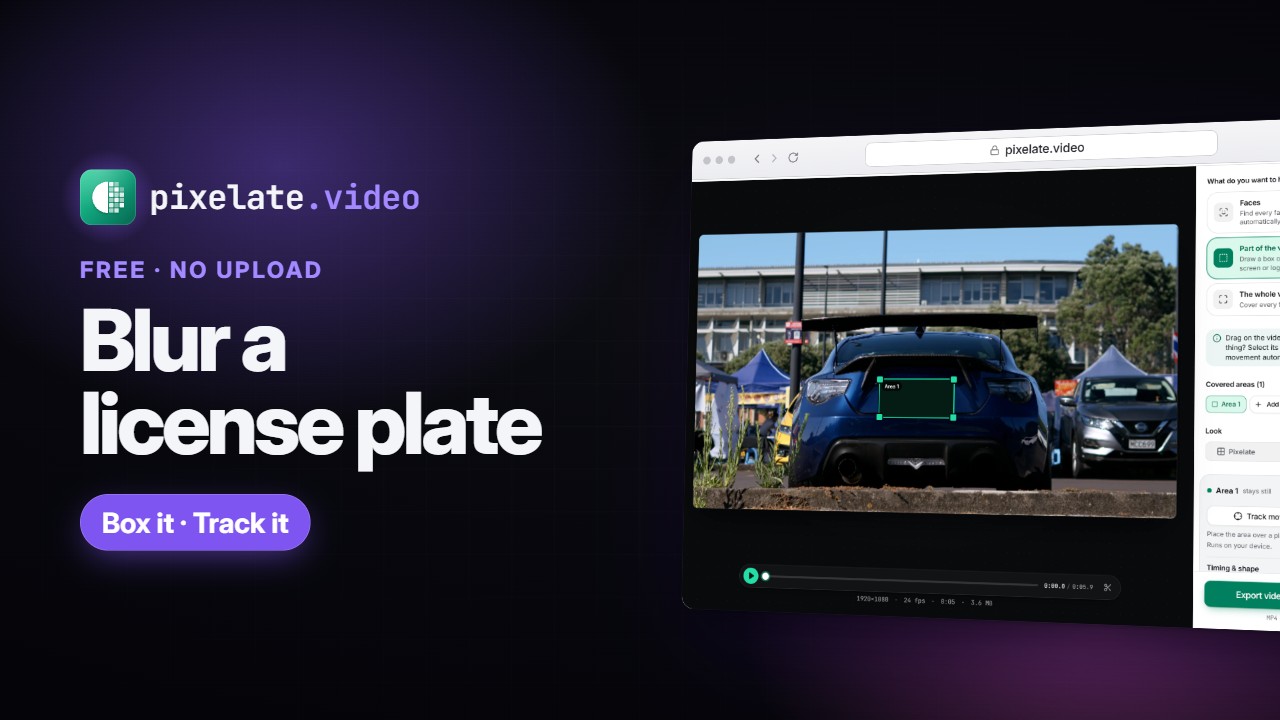
 Duration: 1 minute 25 seconds
Video guides
Short narrated walkthroughs for blurring faces, pixelating and censoring video, each with chapters, captions and a full transcript.
- Duration: 1 minute 25 seconds
-
 Duration: 1 minute 35 seconds
How to Blur a Video on iPhone (Free, No App Needed)
The iPhone Photos app has no blur tool for video: its editor only offers Video, Adjust, Filters and Crop. Here is the free fix: blur faces automatically, or box a license plate, in Safari with pixelate.video, then save the blurred copy back to Photos. Nothing is uploaded. -
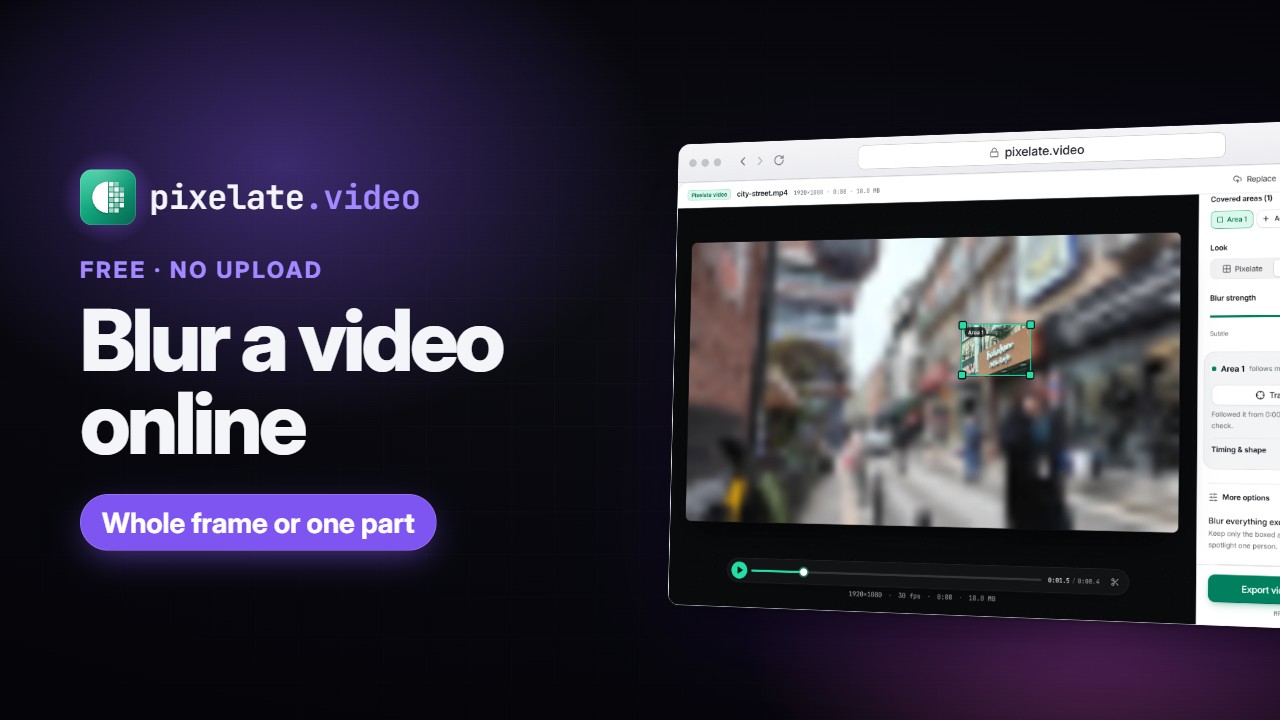 Duration: 2 minutes 6 seconds
How to Blur a Video Online: Whole Frame or Just Part (Free)
Blur a whole video or just part of it in your browser with pixelate.video. Choose Blur, set the strength, draw a box over a sign or screen, track it as it moves, time it, or keep one area sharp. Free, no upload, no watermark. -
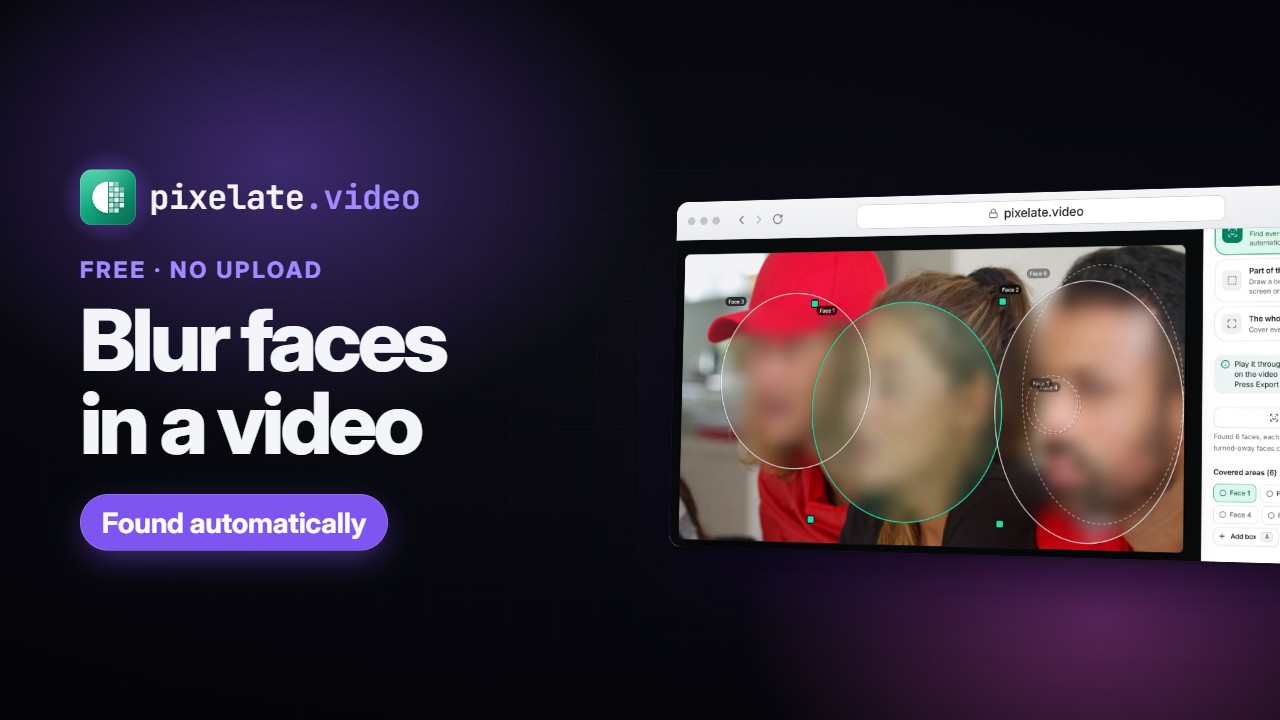 Duration: 1 minute 27 seconds
How to Blur Faces in a Video Automatically (Free, No Upload)
Blur faces in a video automatically, free in your browser with pixelate.video. Find faces automatically puts a moving oval over each face, you raise Blur amount, check for any face it missed, and export. Nothing is uploaded and there is no watermark. -
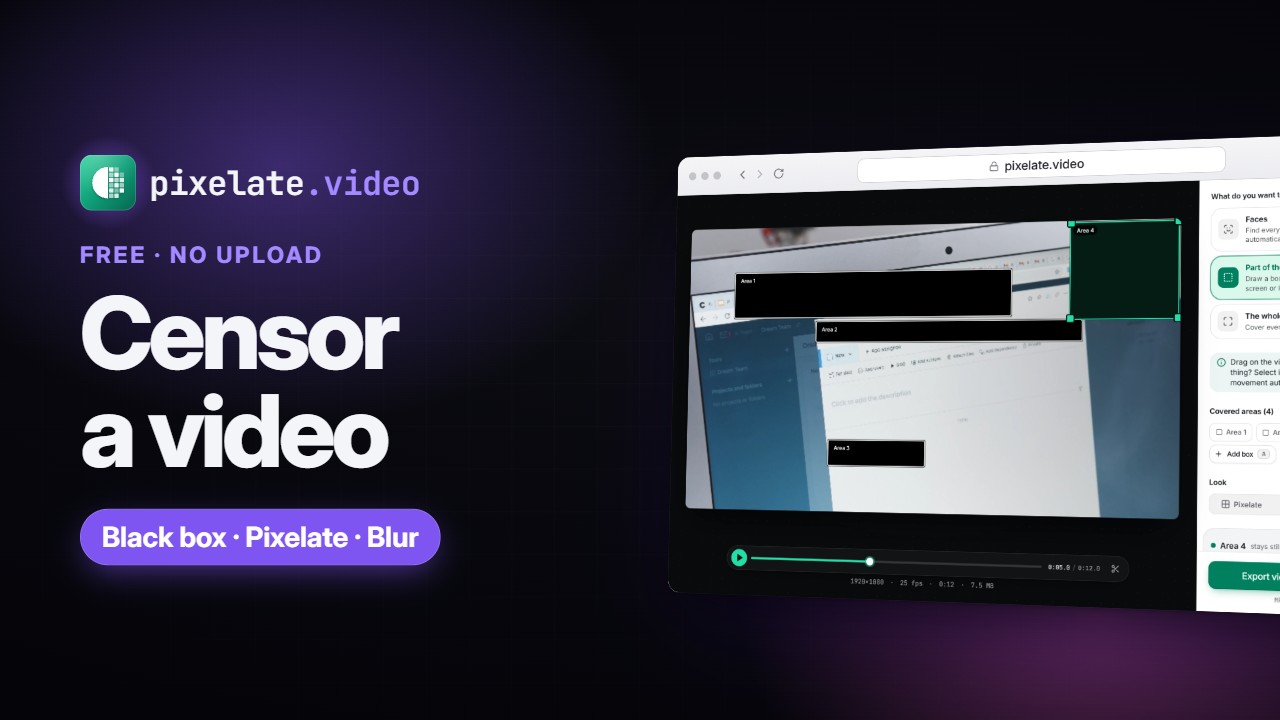 Duration: 2 minutes 23 seconds
How to Censor a Video: Black Out Text, Screens and Names (Free)
Censor a video in your browser with pixelate.video: box each private detail, choose Black box, time each box to when it appears, keep it on target as the camera moves, then export. Free, no upload, no watermark. -
 Duration: 2 minutes 9 seconds
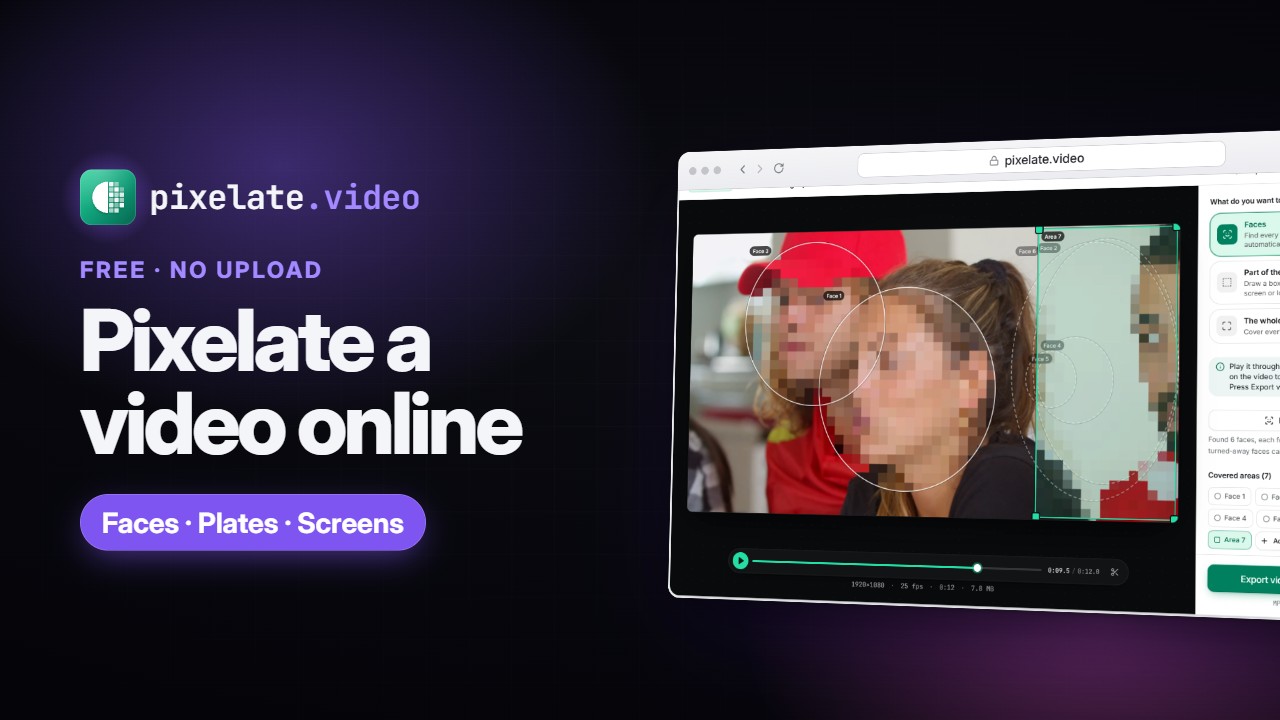
How to Pixelate a Video Online: Faces or the Whole Frame (Free)
Pixelate a video in your browser with pixelate.video: pixelate the whole frame, or draw ovals over faces and track them as people move. Switch to Blur or Black box, then export an MP4. Free, no upload, no watermark.